
Bernina Embroidery Editing Functions Group, Un-group, and Re-Order
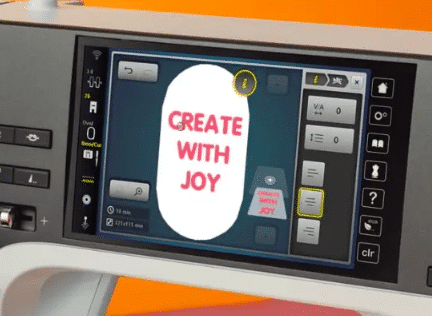
Learn to use the editing Functions Group, UnGroup, and Re-order on your Bernina Embroidery machine.
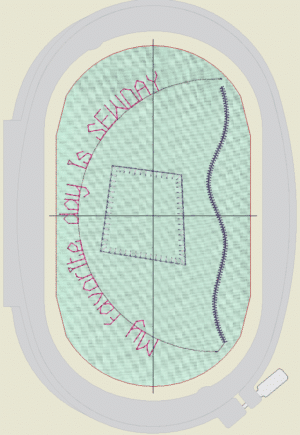
Using the Heart Box Embroidery design from the January PJ’s Embroidery Club, you will un-group, re-order, re-group, and separate the designs using the editing functions. Understanding how to break down a single large design into multiple smaller designs will allow you to create designs that fit within your available Hoops.
This class is for the following Bernina machines with Grouping and Re-order Functions.
790 PRO, 790 PLUS, 770 QEE PLUS, 770 QE with PLUS Upgrade, 735 E, 700, 590, 500 Only
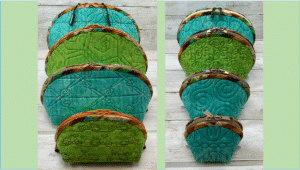
This course uses the designs from PJ’s Embroidery Club, January 2024 “Heart Box” project. If you would like to purchase the Virtual course “Heart Box”, use the coupon code GroupUngroup for $7.00 off. The virtual course provides access to the designs, written instructions, and supplemental video tutorials for the “Heart Box” project.
Reviews
There are no reviews yet.